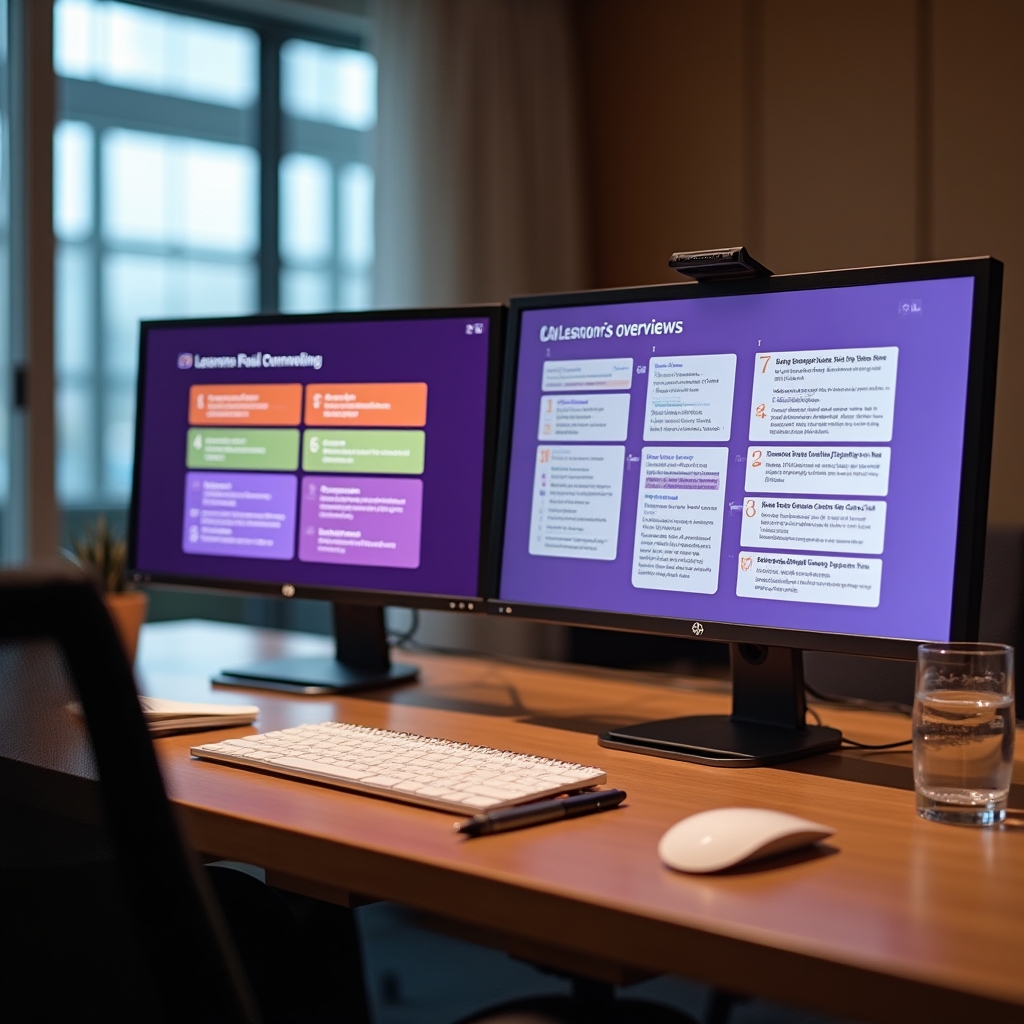
The course is divided across five pillars. Each lesson is self-contained. You can work sequentially or navigate directly to what matters most for your current situation.
Capture
Getting ideas into your system before they disappear. Frictionless by design.
Why Your Current System Isn't Working
This lesson begins with a diagnostic, not a solution. Before introducing any new approach, you'll examine what's actually happening in your current note-taking behavior. Why do notes pile up without ever being used? Why does the same idea get captured multiple times in different places? The answer is almost always structural, not motivational. You'll identify the specific failure mode in your current setup and understand why fixing it requires a different architecture, not more willpower.
Choosing Free Tools That Fit Your Life
This lesson covers four free tools in honest detail: Notion's free tier, Obsidian, Apple Notes, and Google Keep. Rather than declaring a winner, it maps each tool to a specific professional profile. Someone who works primarily on mobile needs a different tool than someone who writes long-form analysis at a desk. You'll walk away with a clear recommendation for your situation, not a generic endorsement of whatever's trending.
Setting Up Your Capture Inbox
The inbox is the single most important structural decision in a knowledge management system. Everything enters here first. No sorting at capture time. No deciding where it belongs. This lesson walks through setting up the inbox in each of the four tools covered, including how to make it the default landing place so you reach it automatically rather than intentionally.
The 2-Second Capture Rule
If capturing a thought takes more than two seconds, it won't happen consistently. This lesson covers the specific friction points that slow down capture: app load time, deciding what to write, choosing where to put it, and formatting. You'll set up shortcuts on mobile and desktop that eliminate each friction point. The lesson also covers voice memo capture as a legitimate and underused option for professionals who think faster than they type.
Organize
Structure that reflects how you work, not how a librarian would categorize it.
Organizing by Action, Not Topic
Topic-based filing seems logical. It fails in practice because the same note is often relevant to multiple topics, forcing a decision that either duplicates the note or buries it somewhere you won't look. This lesson introduces the PARA method (Projects, Areas, Resources, Archive) adapted for free tools and for professionals who don't have time to maintain a complex taxonomy. The shift from "what is this about?" to "what am I going to do with this?" is the central insight of this lesson.
Tagging Without the Rabbit Hole
Tags are powerful and easy to abuse. Most professionals who try tagging end up with hundreds of tags that overlap, contradict each other, and become a maintenance burden. This lesson introduces a minimal tagging vocabulary: five to eight tags maximum, each representing a type of action or output rather than a topic. You'll see how this small set of tags dramatically improves retrieval without requiring ongoing maintenance.
Retrieve
Finding what you need in the moment you need it. The only metric that matters.
Writing Notes Your Future Self Can Find
Most notes are written for the moment of capture, not for the moment of retrieval. The note that says "follow up re: Q3" means nothing six months later. This lesson covers specific writing habits that make notes retrievable: descriptive titles, context sentences, source attribution, and the habit of writing the "so what" alongside the raw information. Small changes in how you write notes produce large changes in how easily you find them.
Linking Ideas Across Projects
The most valuable knowledge doesn't live in a single note. It emerges from the connections between notes. This lesson covers how to create links between related ideas in Notion and Obsidian, and how to approximate this in tools that don't support native linking. You'll also learn when linking is worth the effort and when it's over-engineering. The goal is useful connections, not an impressive-looking network diagram.
Publish
Turning accumulated knowledge into something you can share, present, or publish.
Progressive Summarization
Progressive summarization is a technique developed by Tiago Forte for distilling notes over multiple passes. The first pass is capture. The second highlights the most important sentences. The third bolds the most important of those. The fourth writes a summary in your own words. Each pass takes seconds. The result is a note where the key insight is immediately visible without re-reading the whole thing. This lesson shows you how to apply this technique without it becoming a chore.
From Notes to Drafts
Writing from scratch is the hard way. Writing from notes is the professional way. This lesson walks through assembling a complete draft from existing notes: identifying the relevant notes, arranging them into an outline, filling the gaps, and editing for voice. The process works for articles, reports, presentations, and emails. You'll produce a short draft during the lesson itself using notes you already have.
Repurposing Knowledge Across Formats
One set of notes can produce multiple outputs. A research note becomes an article. The article becomes a presentation. The presentation becomes a series of short posts. This lesson covers the specific adaptations required to move content between formats without it feeling like a copy-paste job. The key is understanding what each format demands from the same underlying ideas.
Review
The maintenance routine that keeps your second brain alive and useful.
The Quarterly Knowledge Review
This is the lesson that determines whether your system is still working in a year. The quarterly review is a structured ninety-minute process that covers: clearing your inbox, archiving completed projects, reviewing your areas for anything that's become stale, resurfacing notes from Resources that are suddenly relevant, and updating your tag vocabulary if needed. The lesson includes a printable checklist and a calendar reminder template. You'll also learn how to spot the early warning signs that your system is drifting before it fully breaks down.